File Management & Sharing 📁 Secure, Organized, and Controlled Access to Business Data
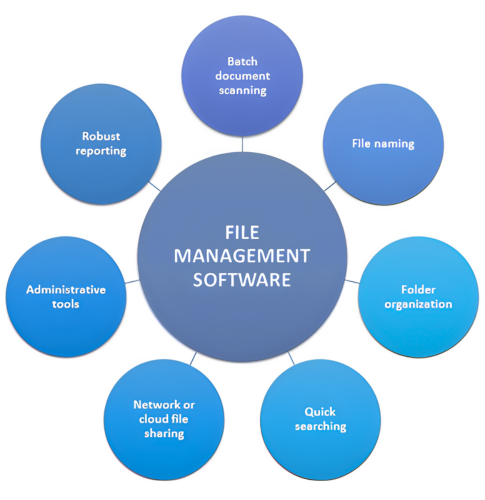
File Management & Sharing solutions help teams store, organize, access, and share business data securely across devices and locations. With centralized control, permission-based access, version history, and strong encryption, businesses can collaborate confidently while keeping sensitive data protected.
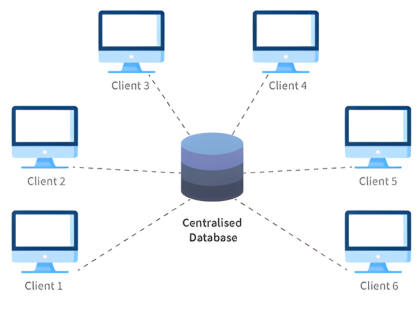
Centralized File Storage
Store all business files in a unified, secure location easy to organize, search, and manage.
Secure Sharing & Access Control
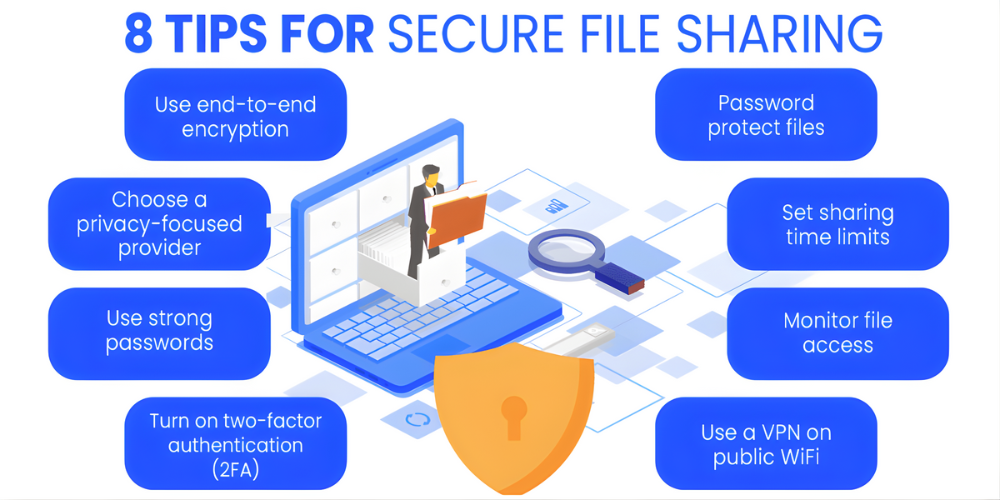
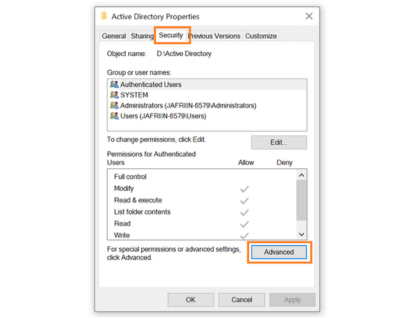
Share files safely with role-based permissions, password links, expiry settings, and audit trails.
Real-Time Collaboration
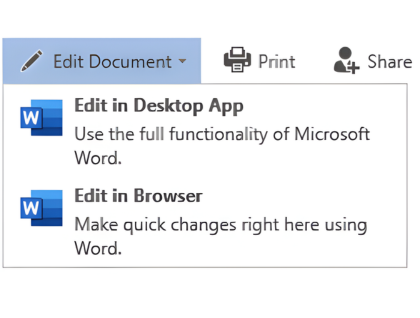
Enable teams to edit, review, and collaborate on documents with automatic syncing and version tracking.
Encryption And Compliance
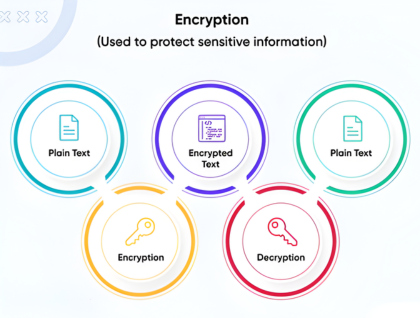
Built-in encryption, MFA, and monitoring tools ensure data stays protected and compliant with global standards.
HOW WE DO
Amlak configures and manages file management platforms to ensure secure, streamlined collaboration.
Folder structure planning and configuration
Continuous monitoring & technical support
User access and permission setup
Secure sharing policy implement
PRODUCTS WE SUPPORT
We support leading file management and sharing platforms:


WHY IT MATTERS
Poor file management leads to lost data, miscommunication, and security risks. Without proper structure and control:
- Teams struggle with scattered or outdated files
- Sensitive data may be exposed through insecure sharing
- Version conflicts cause errors and delays
- Compliance issues arise from lack of audit trails
📁 Amlak ensures your file storage is structured, secure, and easy to manage helping teams work smarter and safer.
FREQUENTLY ASKED QUESTIONS
What is a file management and sharing solution?
A platform that centralizes file storage, enables secure sharing, and supports collaboration with access controls.
Can we control which users access specific files?
Yes. We set up detailed permission levels for users, groups, and folders.
Is the file-sharing system secure?
Yes. Encryption, MFA, and policy-based sharing ensure strong protection.
Can files be accessed outside the office?
Yes. Users can access data remotely with secure authentication.
Does it support backups and version history?
Absolutely. The system supports file recovery, version tracking, and integrated backups.